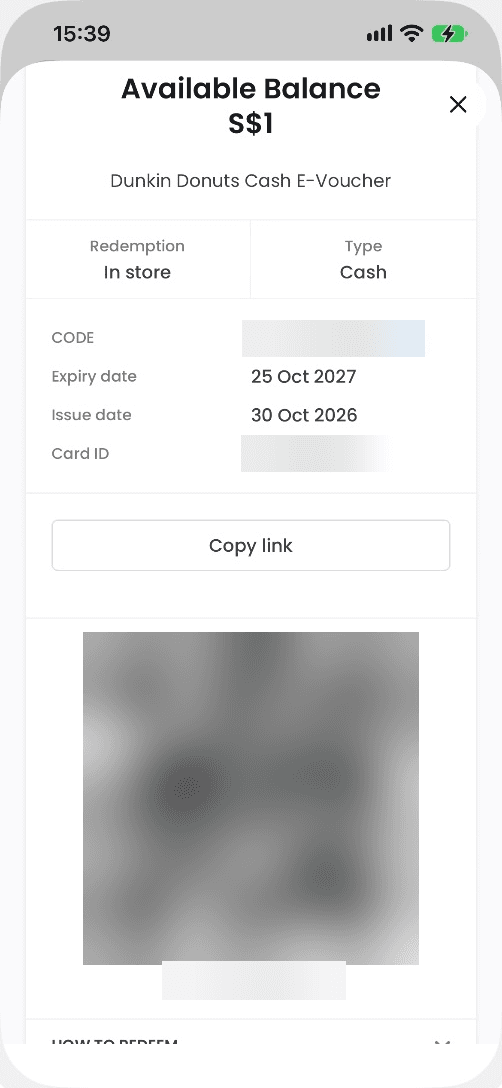
Redeem in 3 steps
- 1
Open My vouchers
See all vouchers in the app or mobile website.
- 2
Choose a voucher
Tap Click to Redeem.
- 3
Follow the instructions
Redeem using the steps on your voucher page.
Choose your voucher type

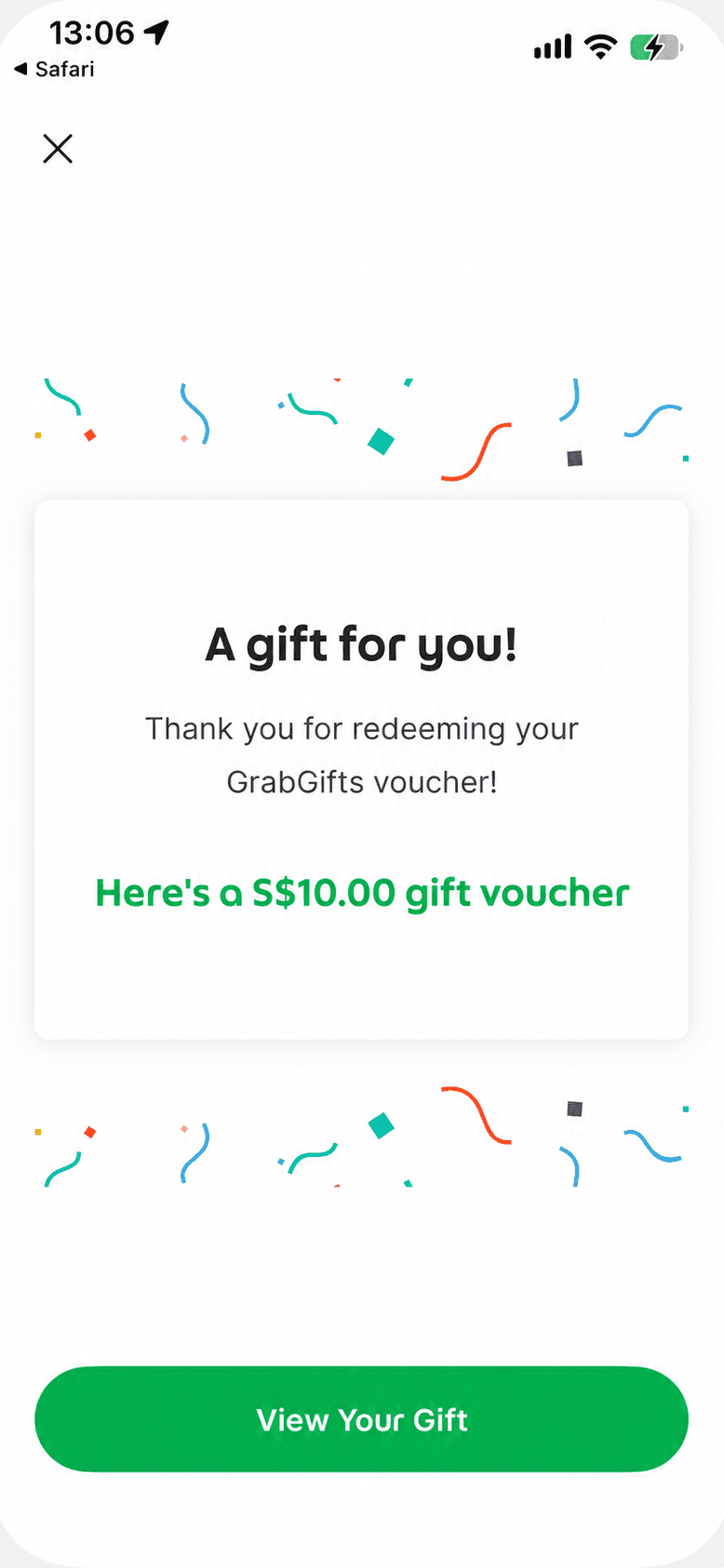
Click to Redeem opens the relevant app so you can receive your coupon.

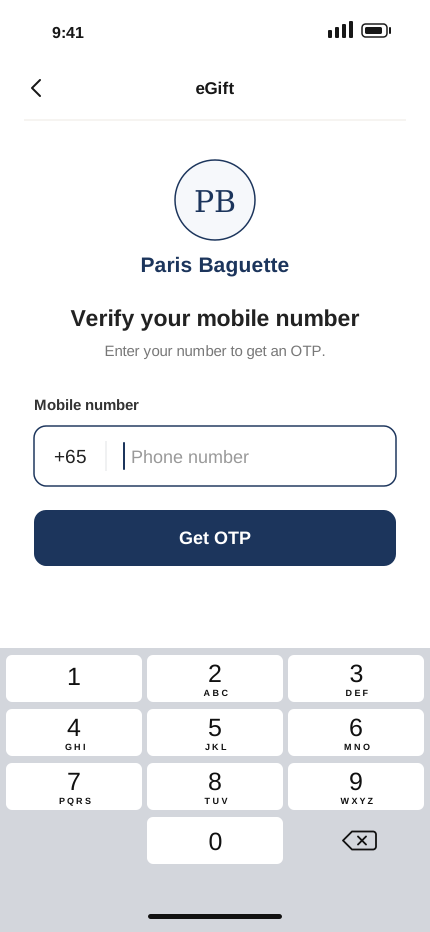
Some eGifts require OTP verification before you can use them in store.

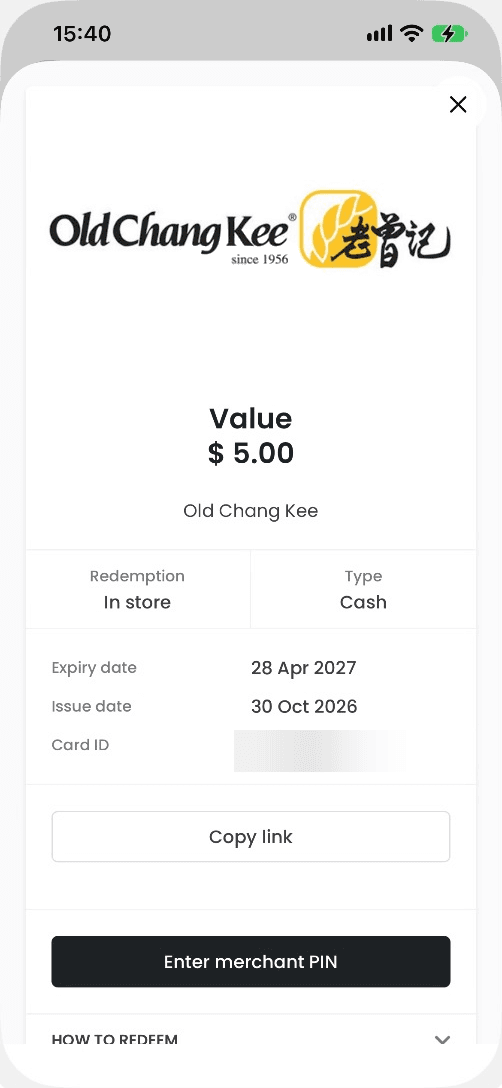
Show your voucher in store and let the cashier enter the merchant PIN.

Open your voucher and show the QR code or barcode for the cashier to scan.
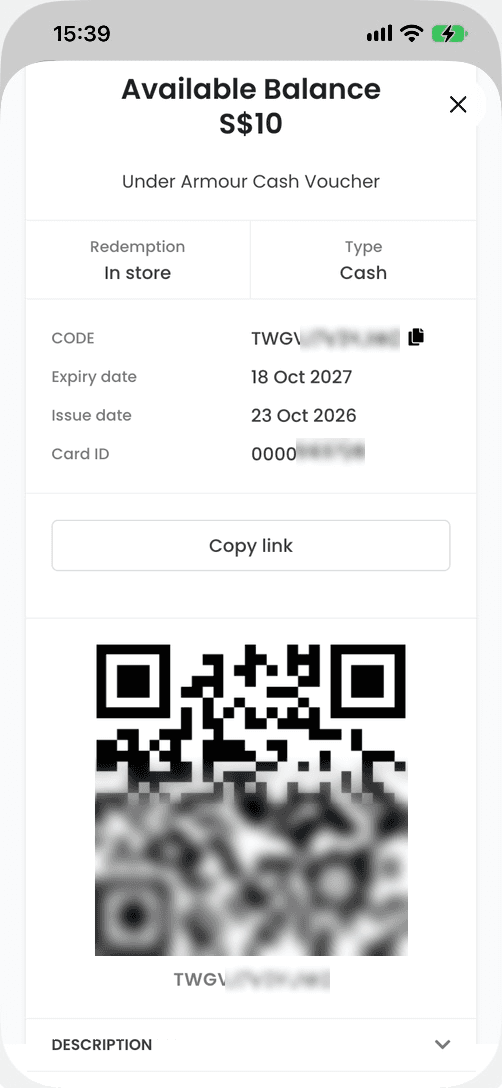

Use your voucher across visits; the remaining balance updates after each use.