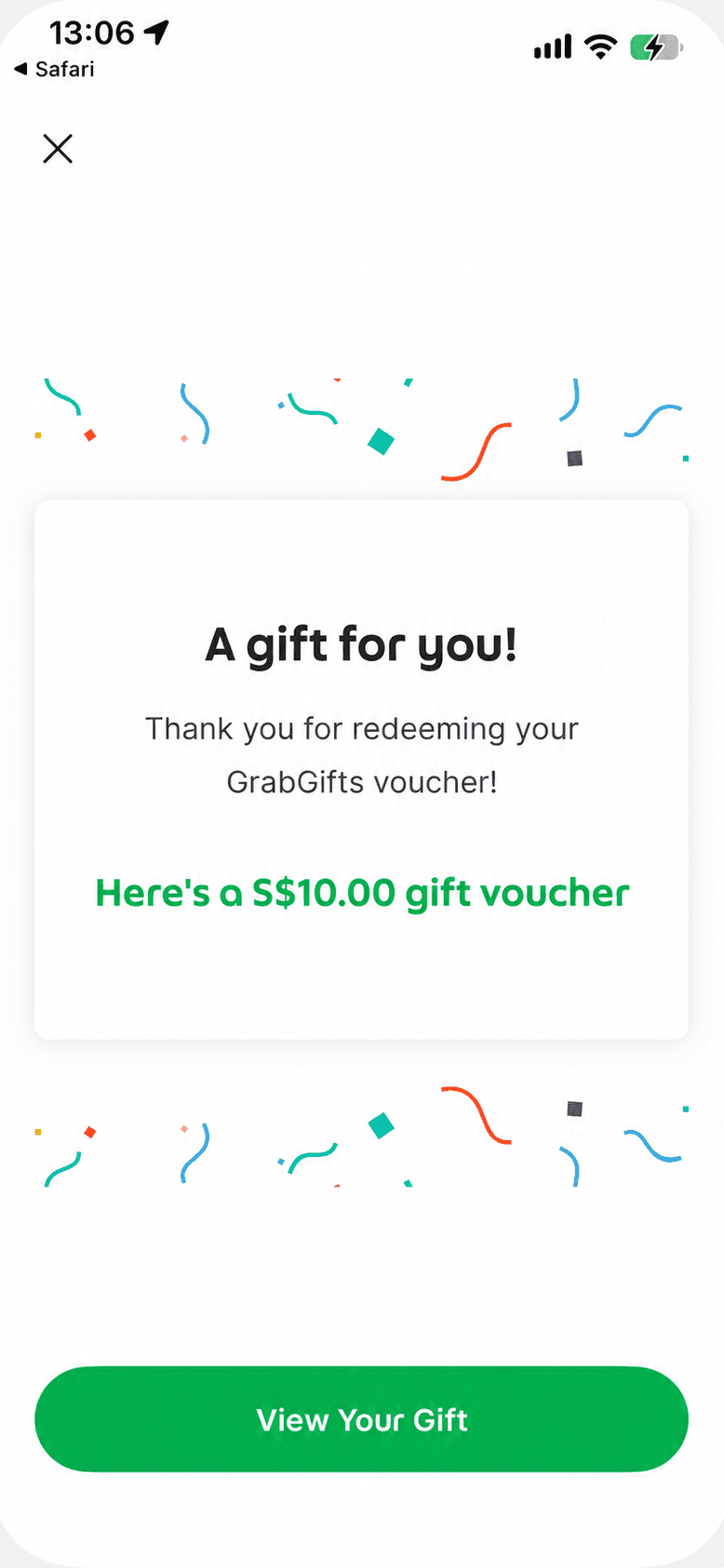
Where do I find a Grab voucher after accepting the gift?
Tap View My Rewards on the gift screen, then open the Transport reward. Use Now opens the ride-booking screen; you still need to choose a destination and complete your booking.
Why does the gift page say Gift Redeemed?
For an already accepted gift, use View My Rewards to find the reward. The gift being accepted and the reward being used on a ride are different steps; check the reward's status in Grab.
Are the steps the same for GrabFood vouchers?
This walkthrough follows an existing Transport gift. GrabFood, GrabMart and GrabExpress vouchers apply to their own services. Check the service and instructions on your selected voucher before activating or using it.