- 1
Open My vouchers
In the Holla app or mobile website, choose your Dunkin’ voucher.
- 2
Open the QR code
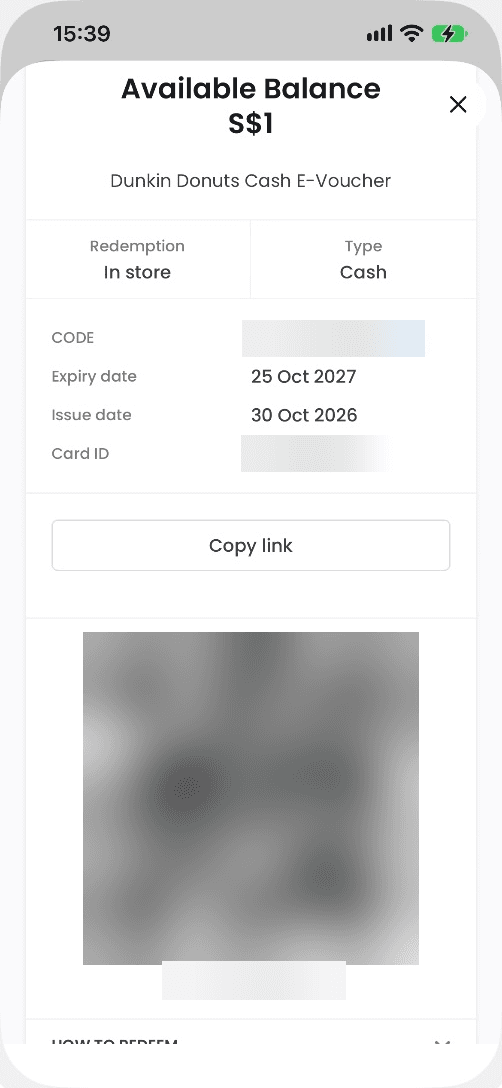
Tap Click to Redeem to display your QR code.
- 3
Use the remaining balance
Your balance updates after each use. Open the same voucher next time to use what’s left.